On iPhone and Android phone
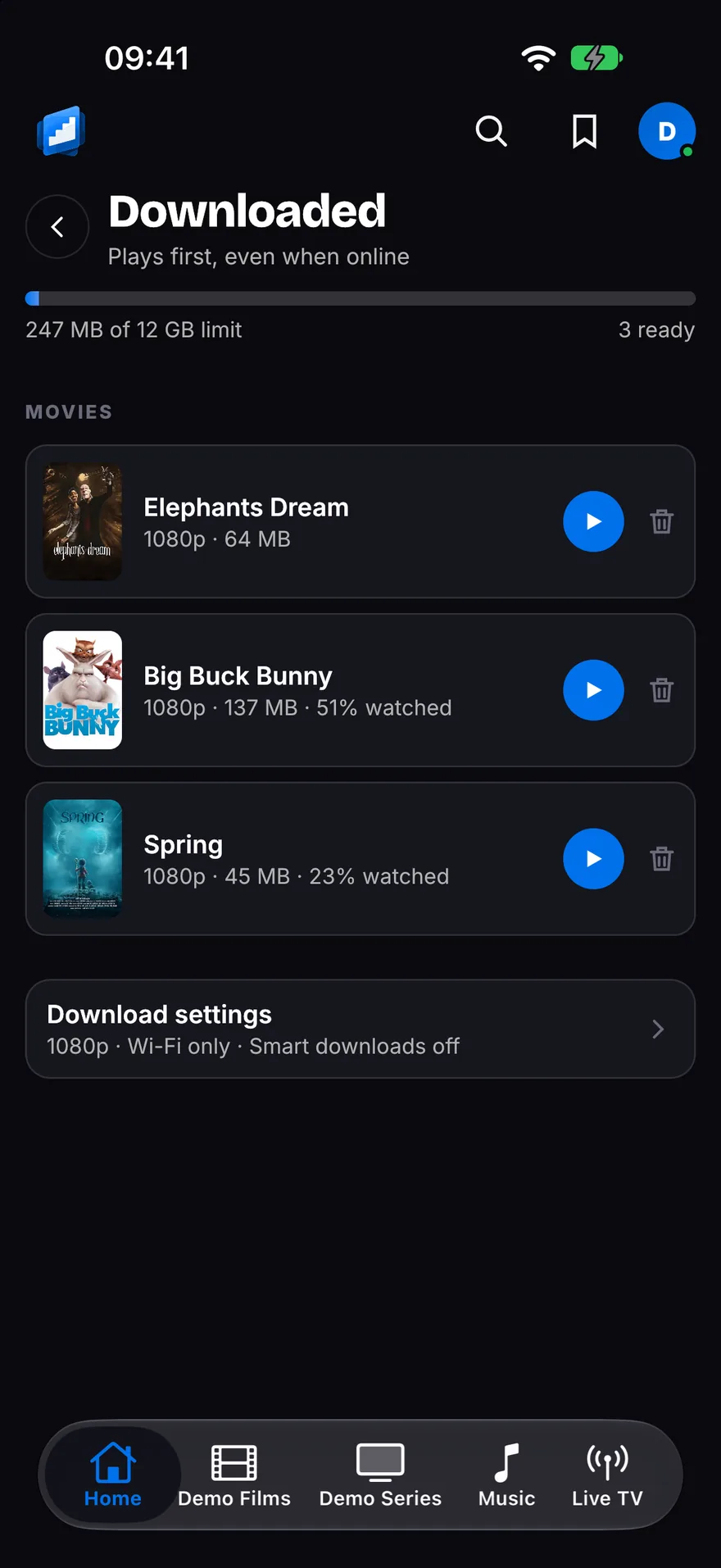
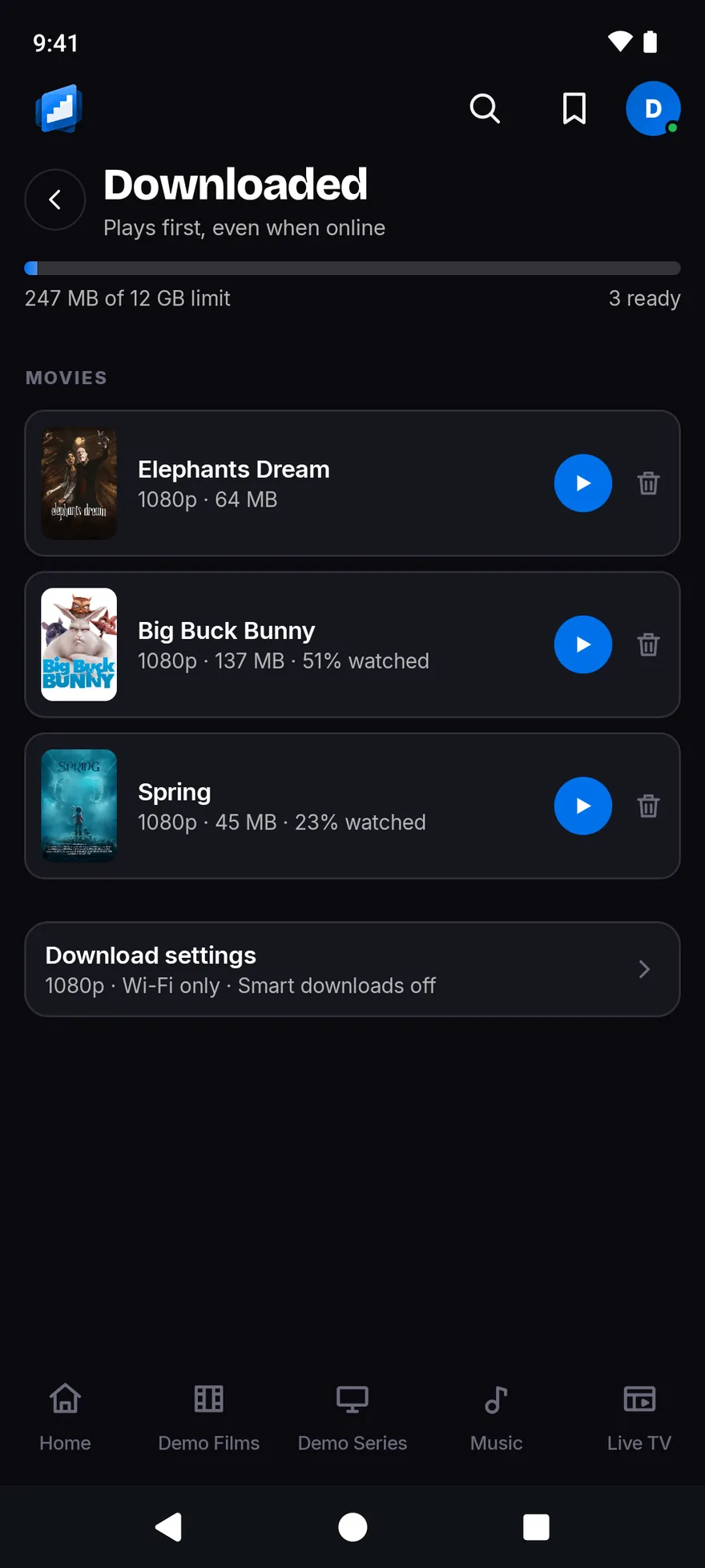
Smart downloads
Tell your phone to keep the next 1, 2, 3 or 5 episodes of a show ready.
Finish one and the next is already there. The one you watched clears itself off, even if you watched it on your TV.
When a new episode arrives, the app gets it ready and gives you a nudge. Downloads wait for Wi-Fi unless you say otherwise.1
On Fire TV, Android TV, iPhone and Android phone
Straight back in
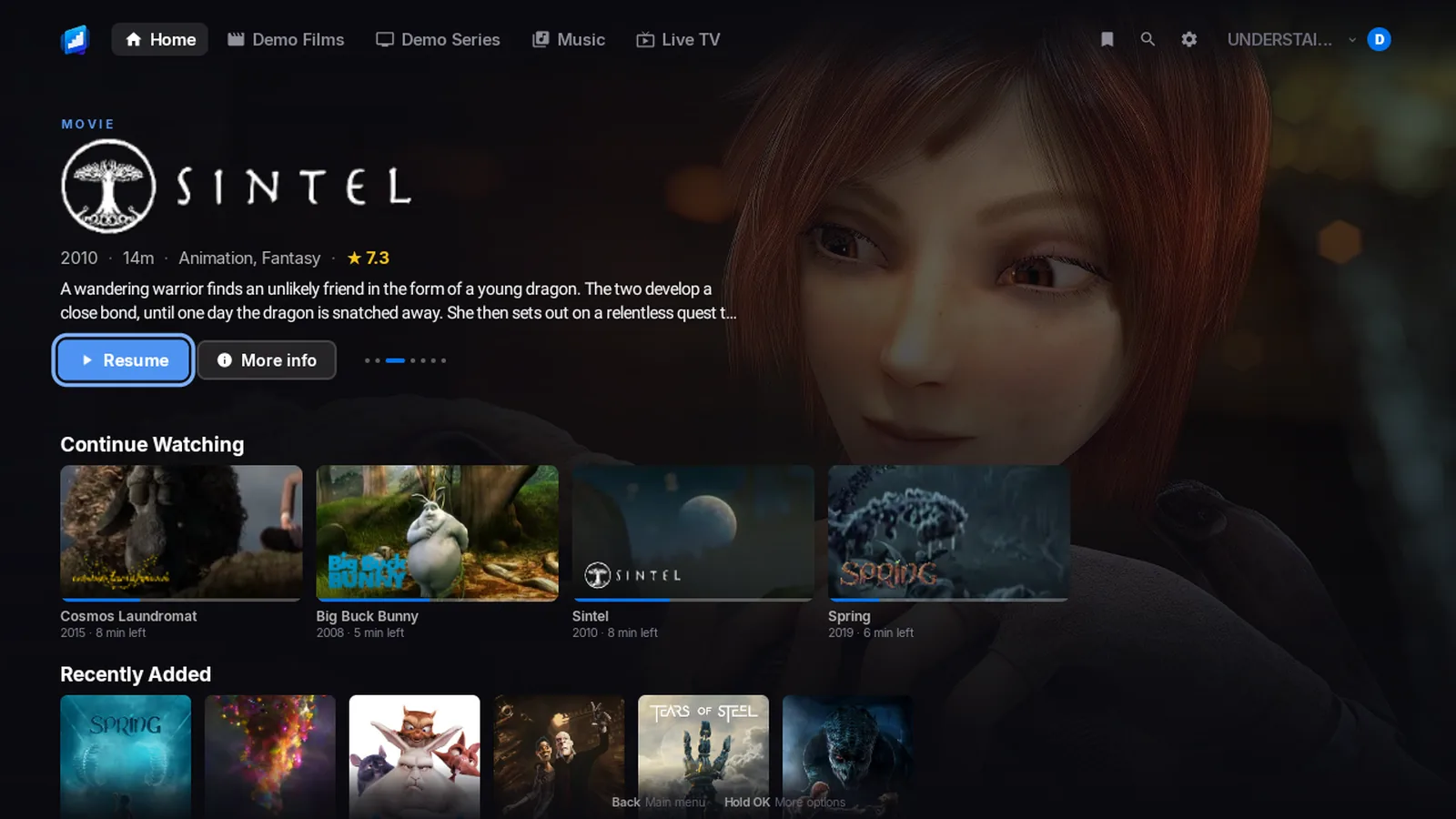
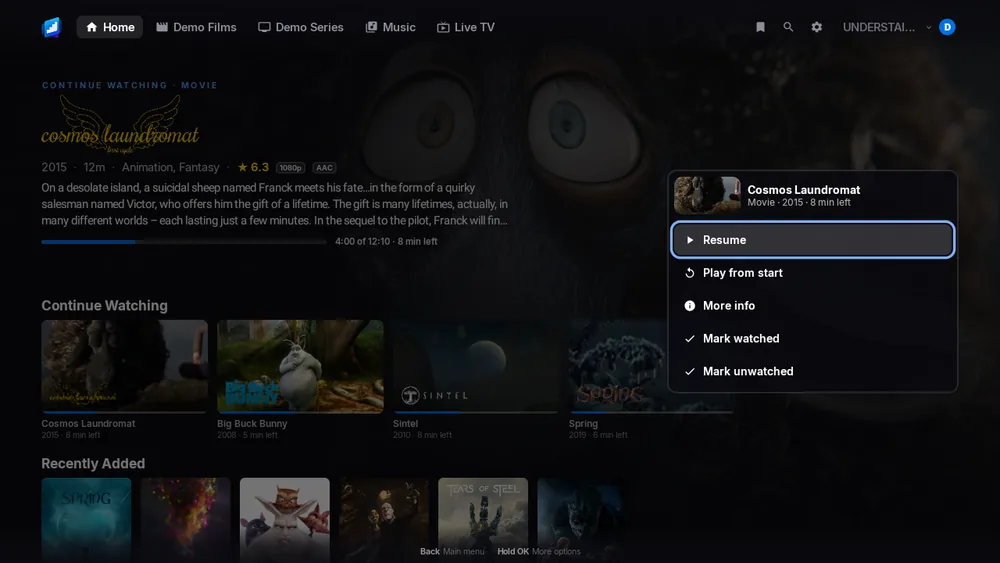
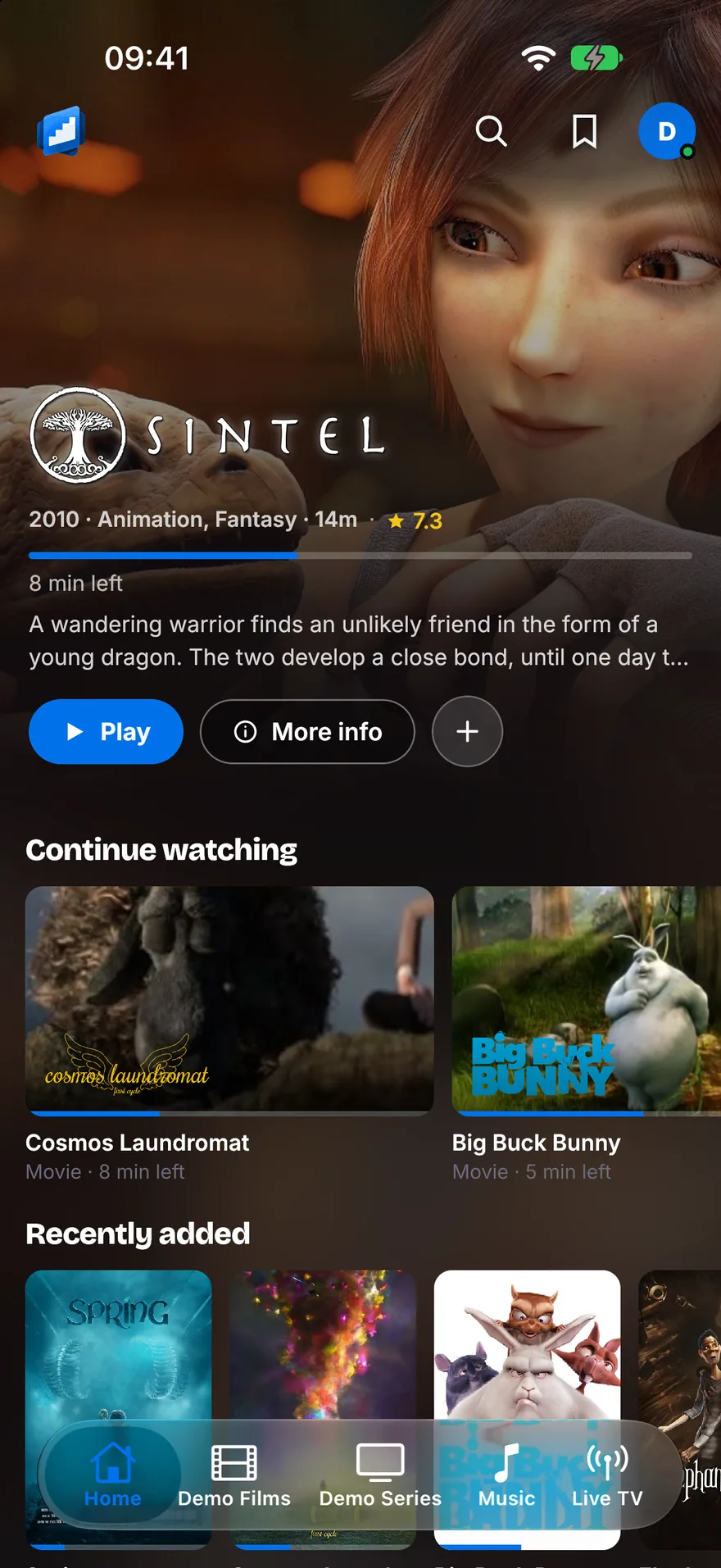
Home opens on what you were watching, and on the next episode of your shows.
Each one shows the title’s own logo. Press OK, or tap, and it plays. There is no page to open first.
On Fire TV, Android TV, iPhone and Android phone
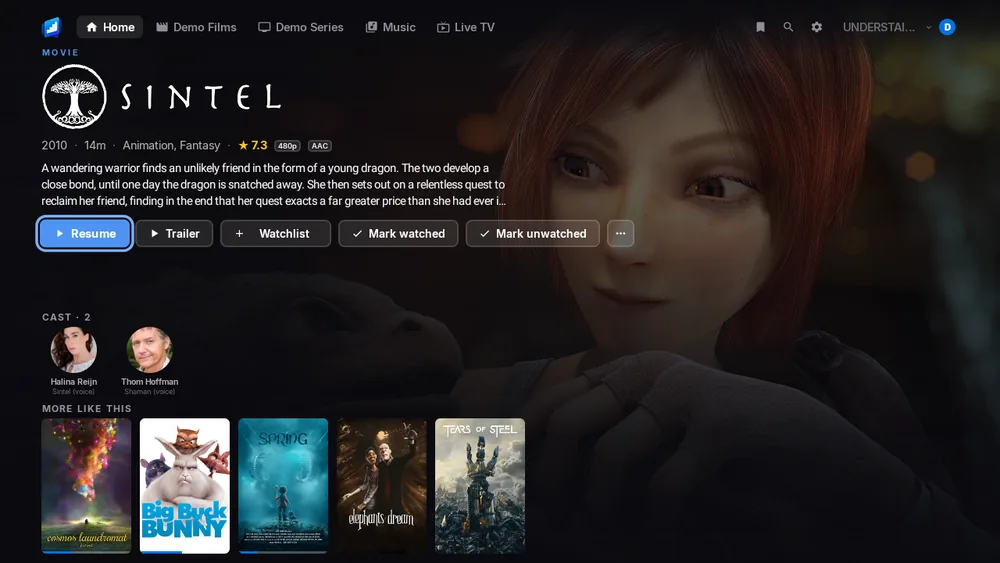
Skip the intro, skip the credits
One press jumps over the intro. Another jumps over the credits.2
On a phone, it can skip them for you.
On Fire TV, Android TV, iPhone and Android phone
No needless converting
The app asks your TV, stick or phone what it can play, and sends the film as it is.6
Your server converts only what your screen cannot play.
On Fire TV and Android TV
Surround sound, left alone
Dolby sound goes to your soundbar or TV exactly as it is. DTS does too.7
Prefer plain stereo? Switch it off in Settings > Sound.
On Fire TV, Android TV, iPhone and Android phone
Live TV and recordings
Watch your server’s live channels and open the guide.3
Record a programme or a whole series. Start a live programme again from the beginning.
On iPhone
CarPlay
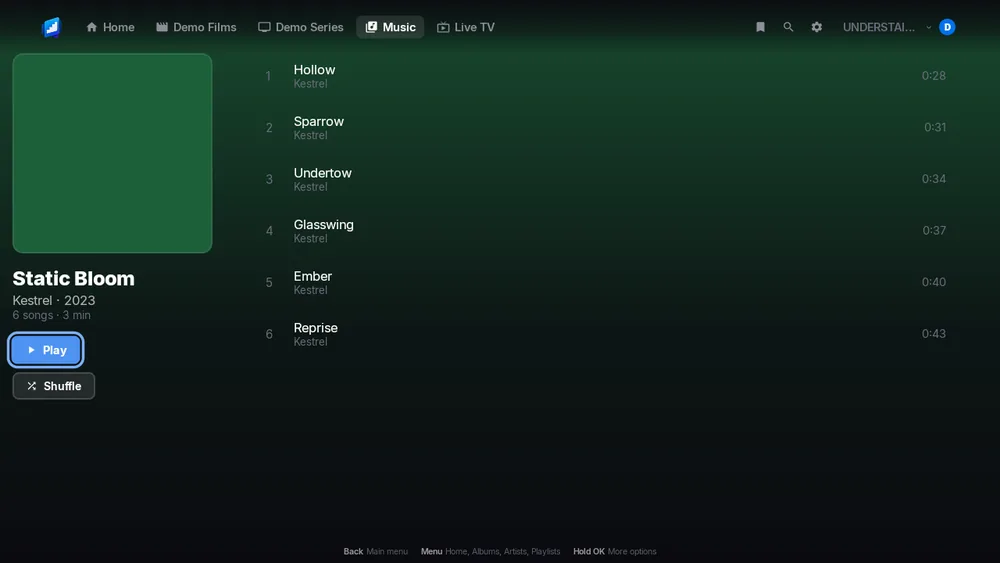
Your music on the car screen: Home, Library, Search and the music you downloaded.4
Say what you want and it plays. Switch server, shuffle, repeat and see what is next.
On iPhone, with Apple Watch
Apple Watch music
Your music on your wrist.5
It works on its own, with albums and playlists saved on the watch, or as a remote for your iPhone.
Set a sleep timer, and turn the crown for volume.
On Fire TV, Android TV, iPhone and Android phone
Who is watching
Everyone in the house gets a profile of their own, with their own history.
Add a PIN if you like.
On every app
All your servers in one app
Add Jellyfin, Emby and Plex side by side, and switch between them in a moment.
The app looks for servers on your network, so you may not need to type an address.