
Fire TV
Coming soon to the Amazon Appstore
A small number points to a note in Good to know, at the end of the page.
What it does
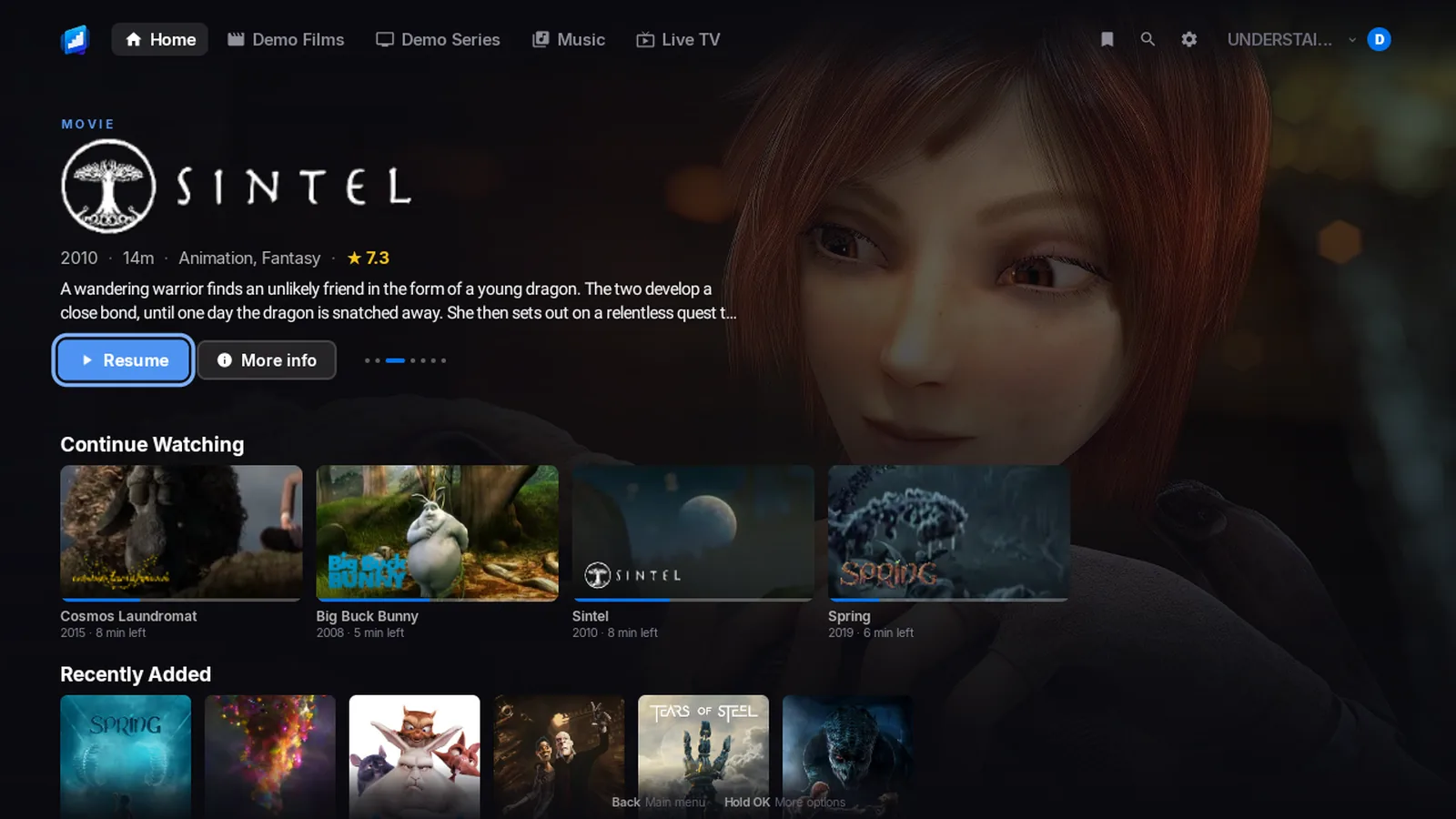
- Continue Watching and Up NextOpen the app and your film or your next episode is one press away.
- Title logosEach title shows its own logo on Home and in the player. If your server has none, you see the name.
- Skip intro and skip creditsOne press jumps over the intro and the credits. You can also switch on skipping for you.2
- Next episodeWhen an episode ends, the next one is ready: a button, or it just plays.
- Your audio and subtitles stay putPick your language and subtitles once. Change the quality or press Retry, and they stay as you picked them.
- No needless convertingThe app asks your device what it can play and sends it as it is. Your server converts only the rest.12
- Surround soundDolby sound goes to your soundbar or TV as it is, and so does DTS. Prefer plain stereo? Switch it off.13
- Quality choiceChoose Auto, Original, 1080p, 720p or 480p. You can set a default quality, and pick your audio language.
- Subtitle sizeMake subtitles bigger or smaller.
- Subtitle colour and backgroundChange the colour, background and height of your subtitles.
- Playback speedWatch faster or slower than normal.
- Sleep timerFall asleep to a film or an album and it stops by itself. Choose 15, 30, 45 or 60 minutes.
- Picture-in-pictureKeep the film in a small window while you do something else.9
- Scrub preview picturesWind through a film and see the pictures, not just a number.6
- Live TV and recordingsWatch live channels, open the guide, record a programme or a series, and start a live programme again from the beginning.3
- TrailersWatch the trailer from a title’s page.7
- Cast and crew pagesA page for the cast and crew of each title.
- MusicBrowse albums, artists and playlists. You can play next and add to the queue.
- SearchSearch across your libraries.
- Who is watchingEveryone gets a profile of their own, with their own history. Add a PIN if you like.
- All your servers in one appAdd Jellyfin, Emby and Plex side by side and switch in a moment. The app looks for servers on your network.
- Easy sign-inApprove a sign-in from another device instead of typing it on the remote. That works with Jellyfin Quick Connect, the Plex link code and Emby Connect.8
- Favourites and WatchlistKeep a list of what you want to watch. Jellyfin and Emby use Favourites. Plex uses your plex.tv Watchlist.11
- Home you arrangeChoose and order the rows on Home, and which libraries show.
- Seven colour themesMidnight, Slate, Ember, Crimson, Forest, Dusk and Cinema. There is also a Light theme and OLED black.
- Problem reportSomething wrong? One screen gathers the details so you can send them to us. On a TV it shows a QR code to scan with your phone.
- Hold OK for a quick menuHold OK on any card for a quick menu. The hints on screen match your remote.
In the phone apps: Smart downloads, Downloads for offline and Notifications.